
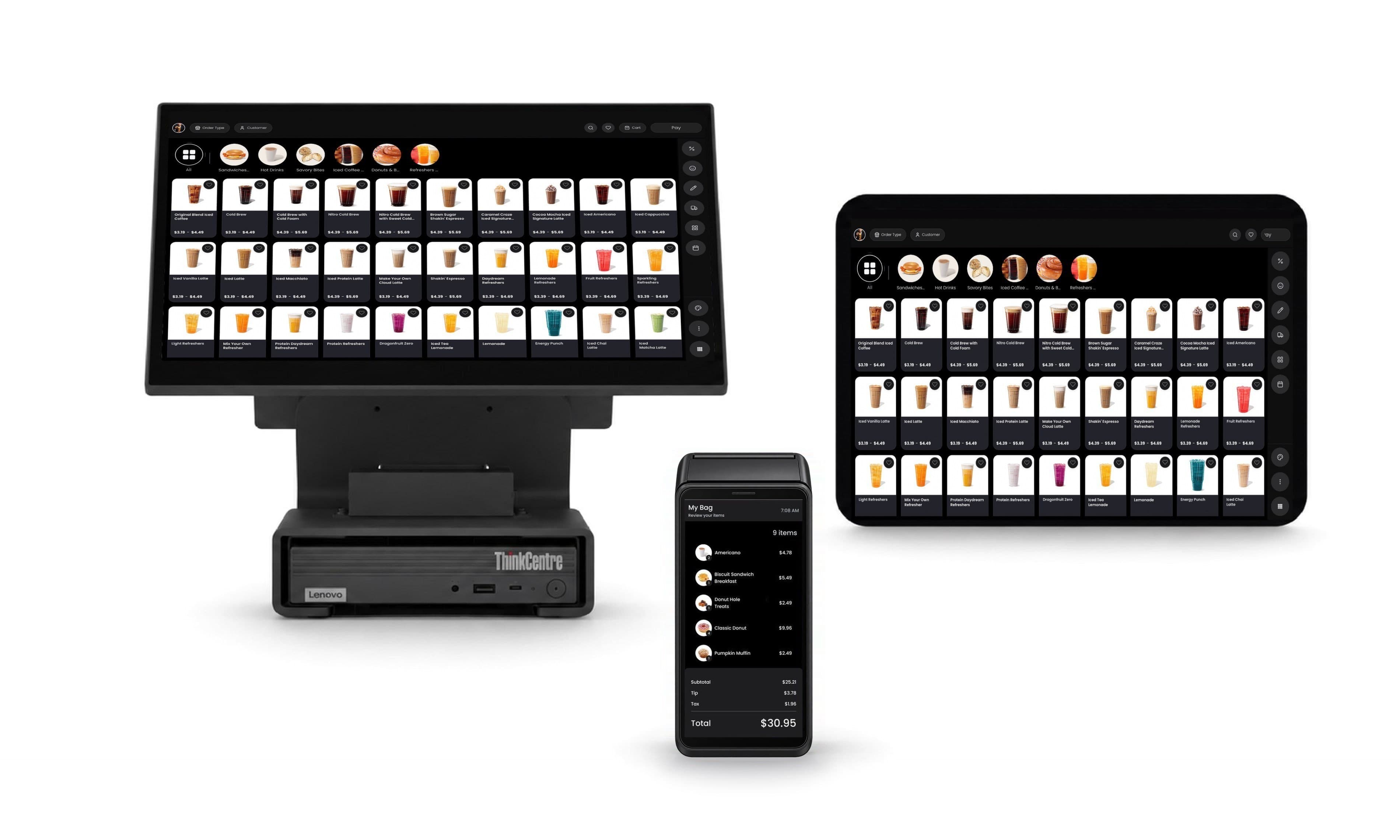
Edge. Where the sale happens.
Proton runs transactions, analytics, and AI models on the device. So the answer arrives before the customer has put their card away.
No round trip.
Whether you run one counter or an estate of them, transactions, analytics and models run on the terminal itself. The counter answers at the counter, not after a server has been asked.
Range
One platform. Every counter.
Eleven counters that share nothing except the platform underneath them. For an operator, that is one certification, one integration, and one thing to support.
Intelligence
Ask the counter.
Proton answers from the device, not from a dashboard you open later. So you ask during the shift, while the answer can still change it.

Configuration
Long press. Redesign it.
Ten looks for the same catalogue, light or dark, with the accent set to your own colour. Hold the grid, pick one, and choose whether it lands on this station, every station, or the store. The cart, the action rail and the Pay button move with it. So your counter changes when you do, without a ticket and without a build.
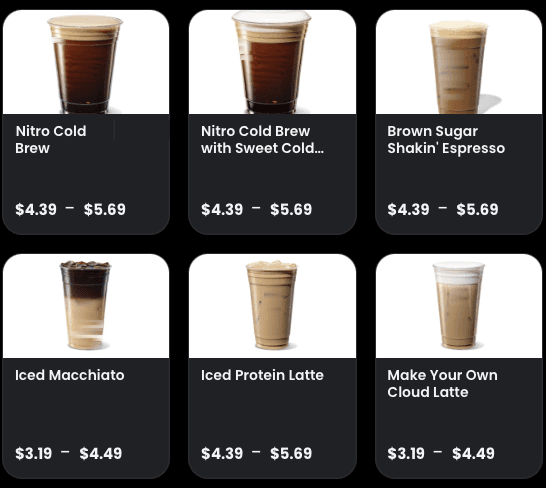
Proton MinimalThe house look. A small shot, the name, the price, and room around all three. 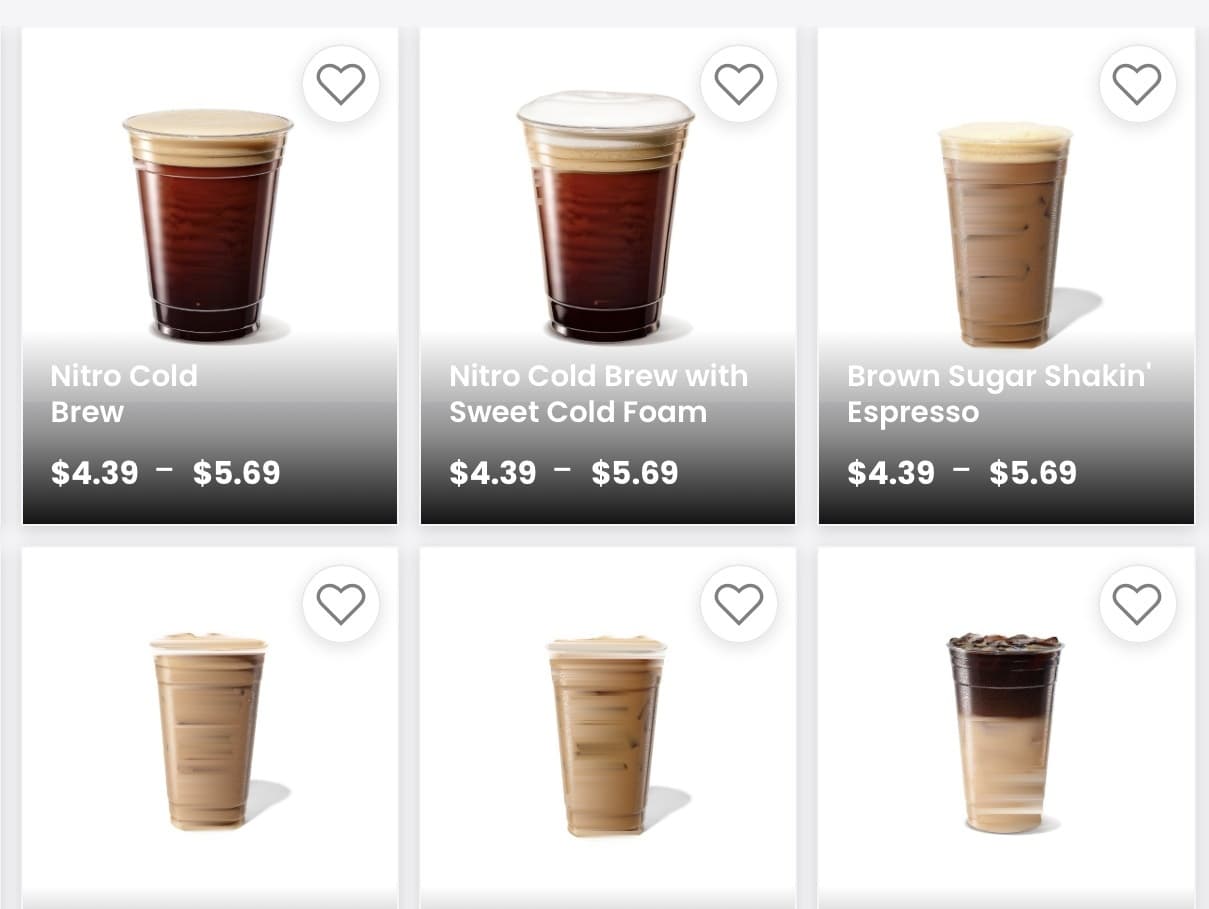
Photo WallEvery tile carries the product shot. For a counter where people order by sight. 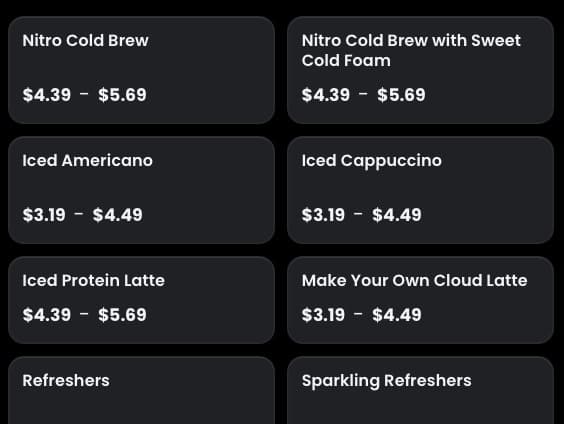
Text GridNames and prices only. Faster to read across a long menu, and faster to build. 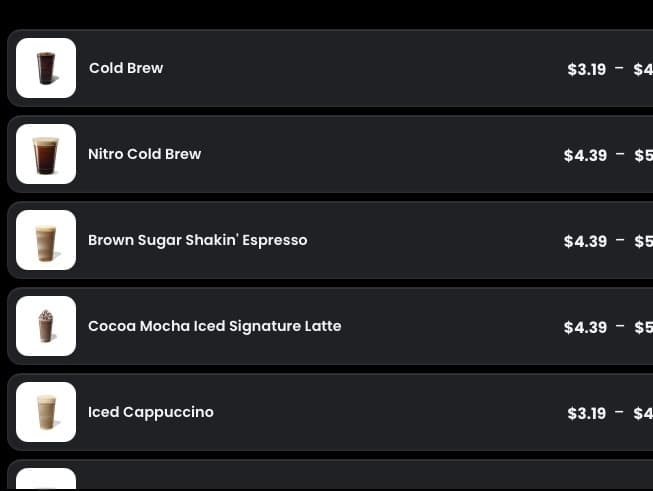
Counter ListOne row per item with a thumbnail. For staff who know the menu by heart.
Kitchen
One ticket. Every station.
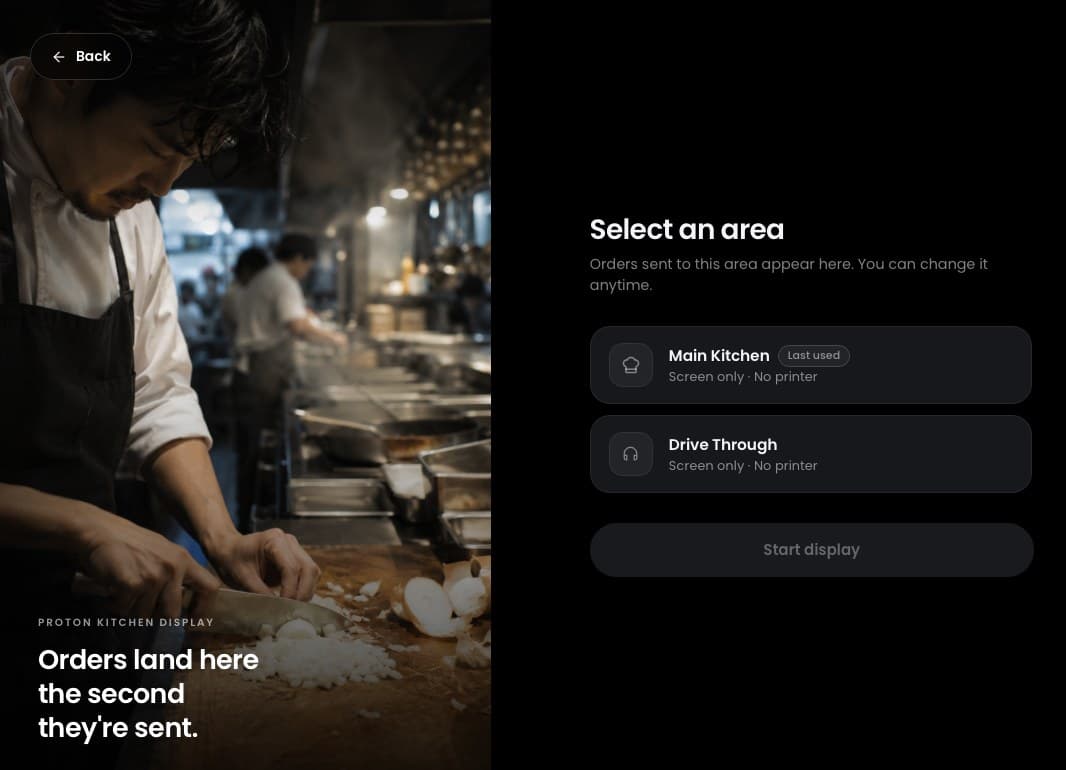
The pass watches the ticket being built, before it is sent, so the kitchen sees what is coming instead of meeting it all at once. Orders then route by station, bump when they are done, and carry a cooking state for every item. Each screen keeps its own theme, its own minutes before a ticket turns amber and then red, and its own sound for a new one.
Menu boards
The menu, in motion.
Nine ways for a board to move: a 3D slider, a parallax, an image sequence, a straight video. Pick the motion, drop in your own artwork, and it runs from the same app that takes the payment. The board changes when the menu does, with no separate signage system to buy or wire in.
Shift
On the floor. On the record.
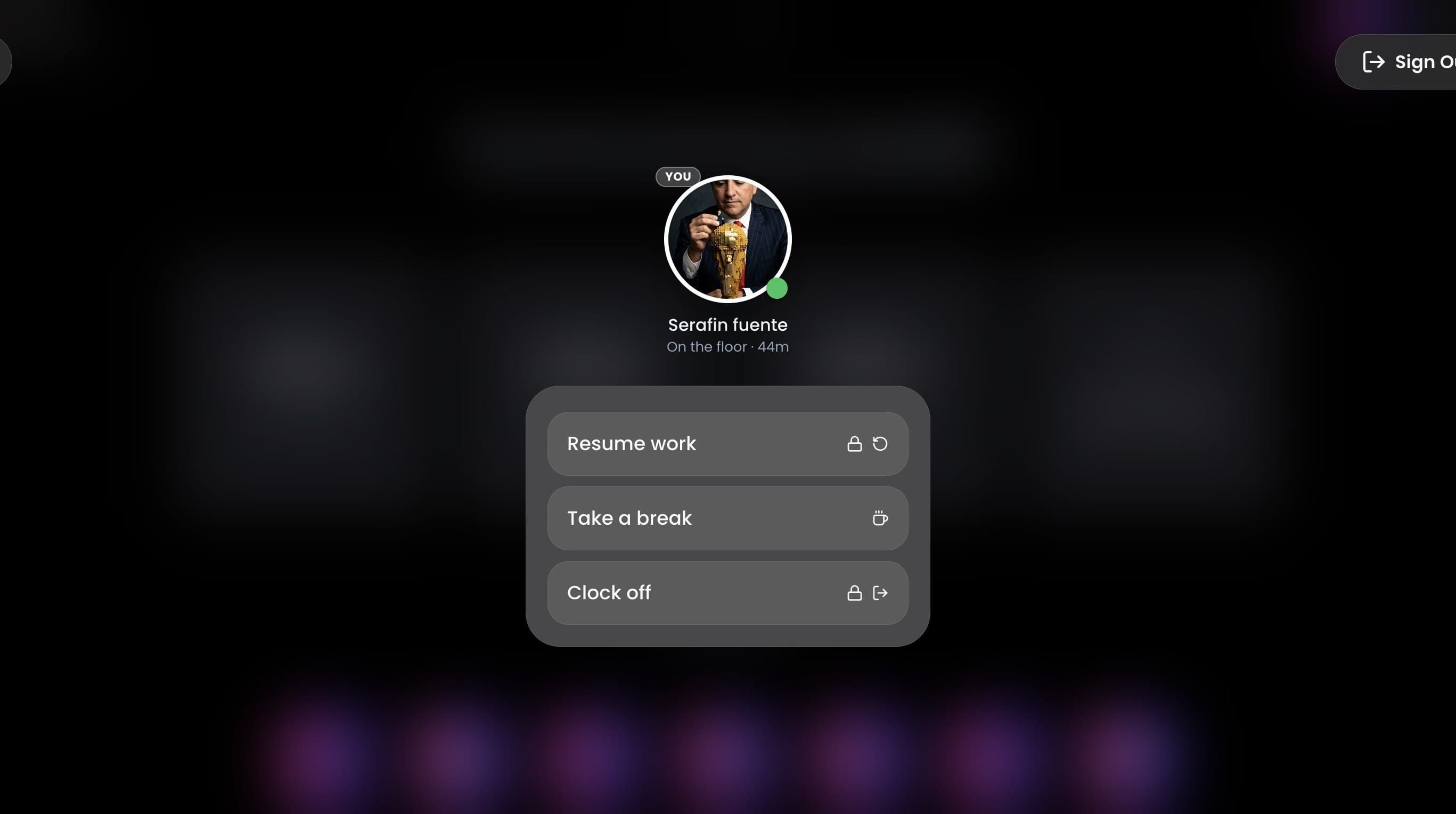
Staff clock on, break and clock off on the screen the order was taken on, so the hours are logged where the sales are. Covers and takings read from the same place. So you check the floor without leaving it.
Back office
It doesn’t stop at the counter.
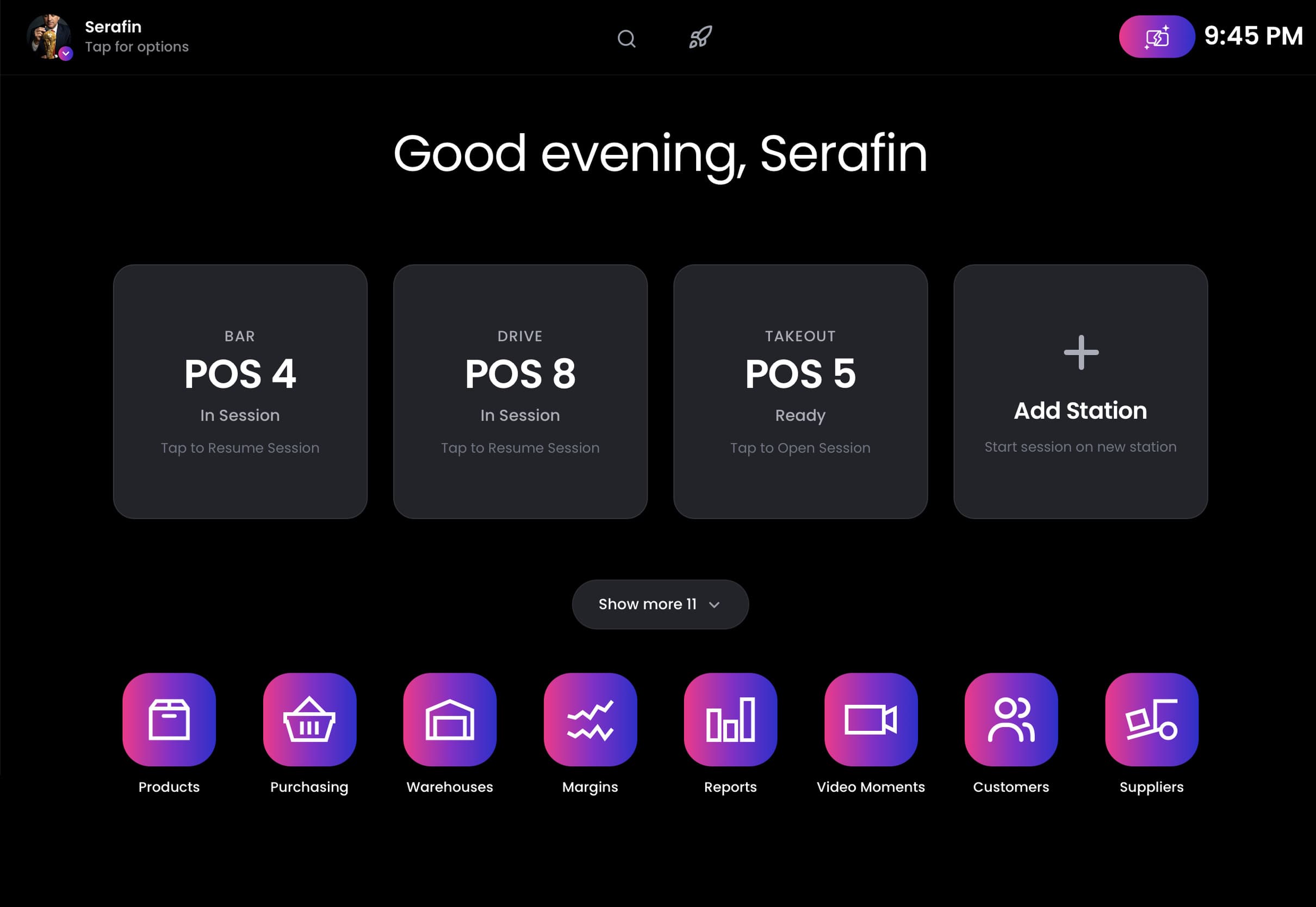
Purchasing, suppliers and warehouses run in the same system as the till. A sale moves the stock it came from, and the margin is known at the counter rather than weeks later. Every sale keeps the video of itself, so what was scanned or keyed in can be watched back. And the home screen is yours to arrange. The apps you use most get a heart, and the ones staff don’t need are hidden.
Extension
Add what you need.
Proton is extended through its own app store. So you add a capability without commissioning a build.
Value
One fee. No per‑terminal charge.
One software fee covers every station in your store, however many that is. The hardware is bought outright or financed monthly, whichever suits the books, and the fee is the same either way. So adding a station adds a station, not a subscription.
Hardware
Buy the box. Or bring your own.
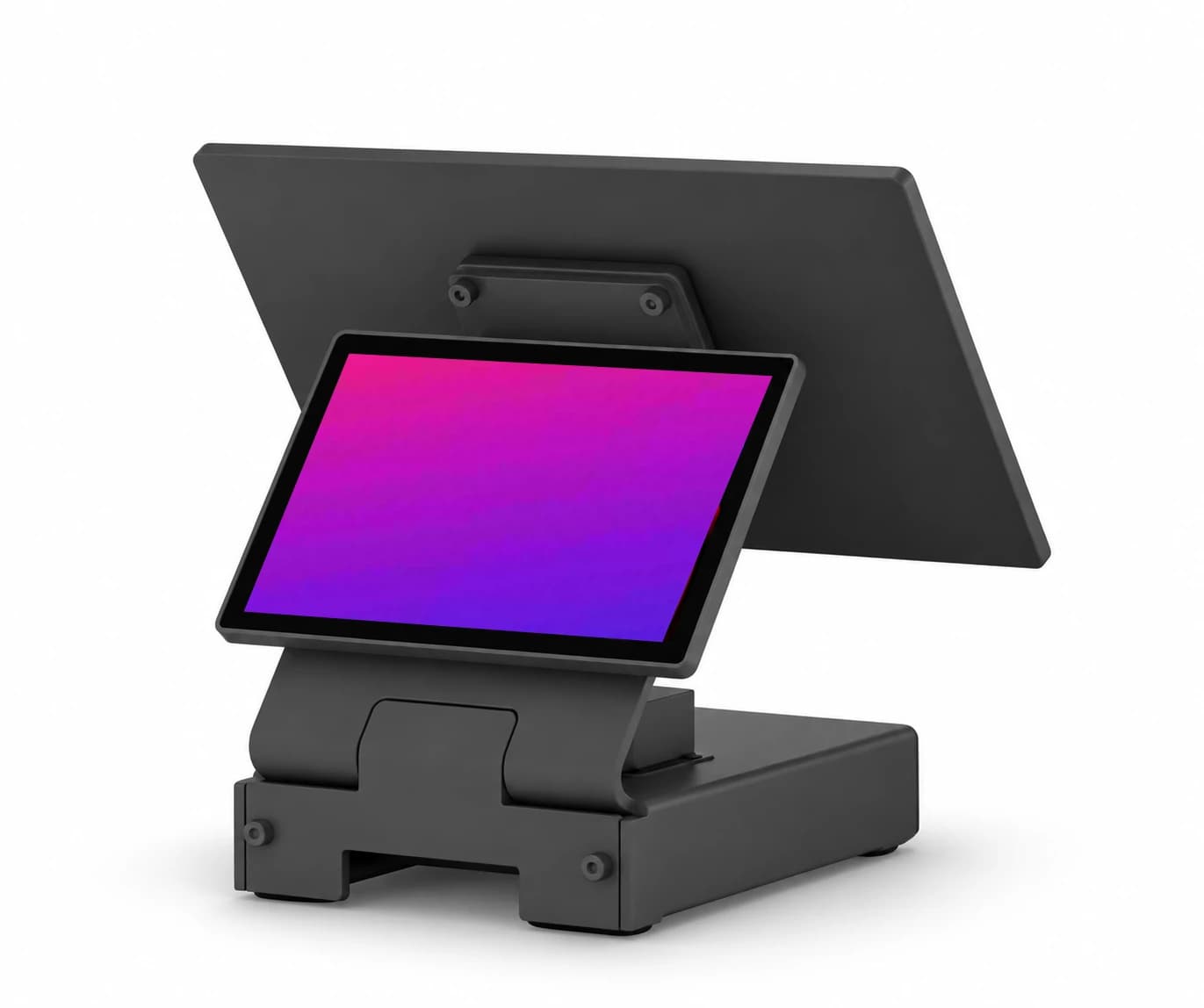
A business gets the station from us: a Lenovo ThinkCentre, 15.6‑inch for the counter and 10.1‑inch facing the customer, sourced and set up, and taking its first payment in minutes. A software vendor or a manufacturer runs the same build on the hardware they already ship. It runs on anything, so choosing a device never becomes choosing a platform.
Line busting
Take the order on the floor.
Proton runs on iPad as a native application, so an order is taken where the customer is standing rather than where the till is. The cart is saved, and the payment is taken on a terminal. The line shortens without a second system to reconcile at close.
No time to run the marketing? Brandrillium does online menus, campaigns and the rest ›
Estate
One of four. They work as one.
Takes the payment. A terminal you talk to, on a patent application that is filed and pending.
The cardRuns the counter. Transactions, analytics and models on the device the order was taken on.
This pageManages the estate. Provisioning, configuration, monitoring and maintenance for every endpoint on the network.
The fleetOps CenterMakes the other three integrable. Live documentation, runnable requests and an error catalogue.
The integration