



Loyalty
PAYLOVE
The receipt, working harder.
Turns every payment into a reason to come back.

One Android application. Six ways in. One of them takes an instruction in plain language.
Standalone, POS, semi‑integrated, cloud, app‑to‑app and MCP all resolve to the same API. Move between them without touching the payment logic.
Deployment
Six transports. One application. The choice is where the caller runs, not what to buy.
Architecture
Different above the line. Identical below it. Write the integration once, run it on any transport.
Different above the line. Identical below it.
The single entry point. All six modes land here, and an MCP request resolves to the same interface a POS on the local network uses.
Every transport is published as its own project, documented, with runnable requests and no proprietary SDK to adopt.
The processor sits behind the application rather than inside it, so changing one does not change the other.
Standalone
Sale, refund, void, authorisation, capture, and split payments, end to end.
Role‑based profiles for clerks, servers, and administrators.
Logos, colour themes, receipt layouts, and on‑screen messaging, set per merchant.
POS Mode
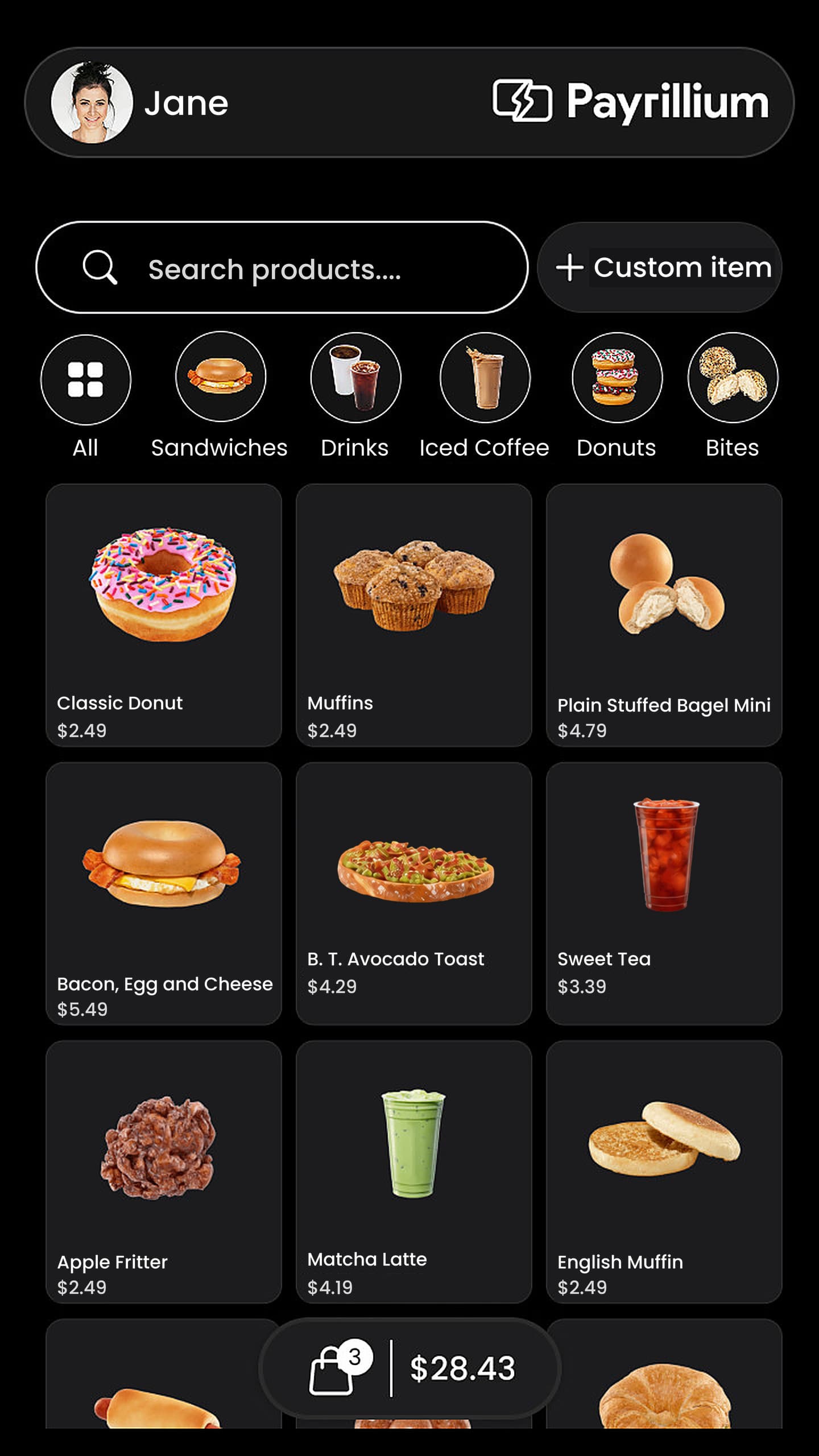
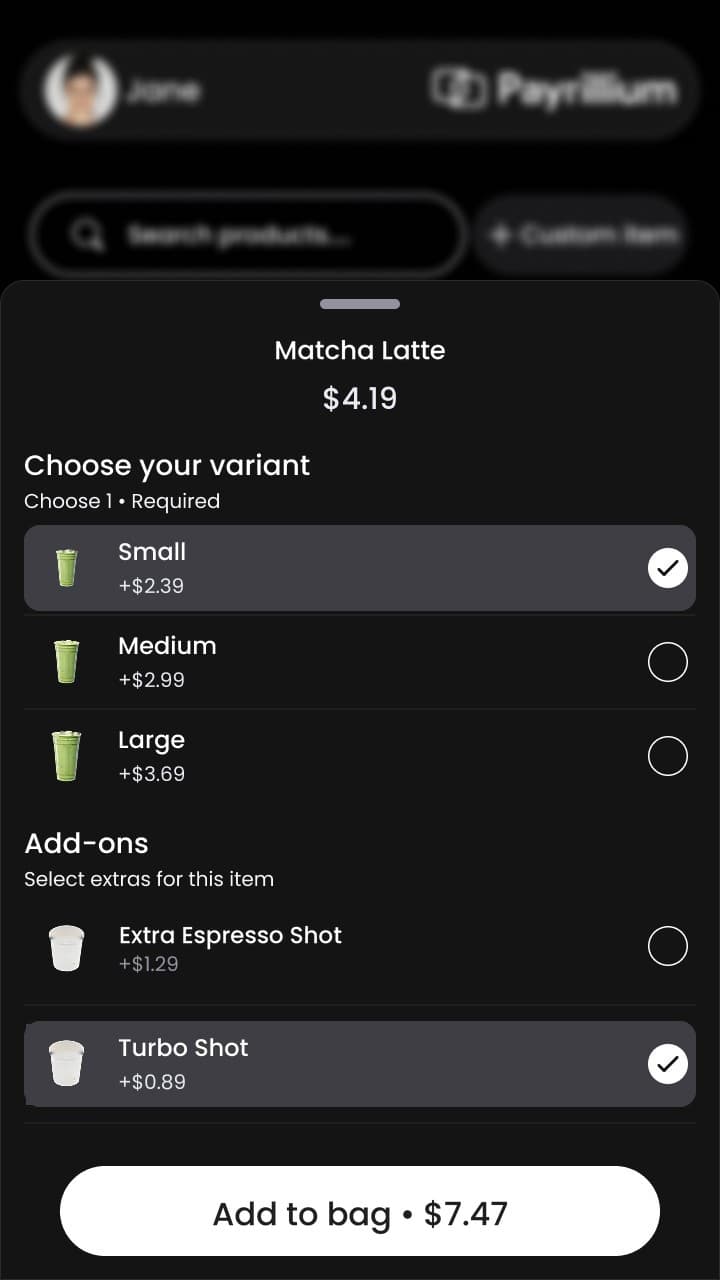
Items, prices and images, built on the terminal itself. Daily totals, item performance and payment activity, with no POS hardware behind it.
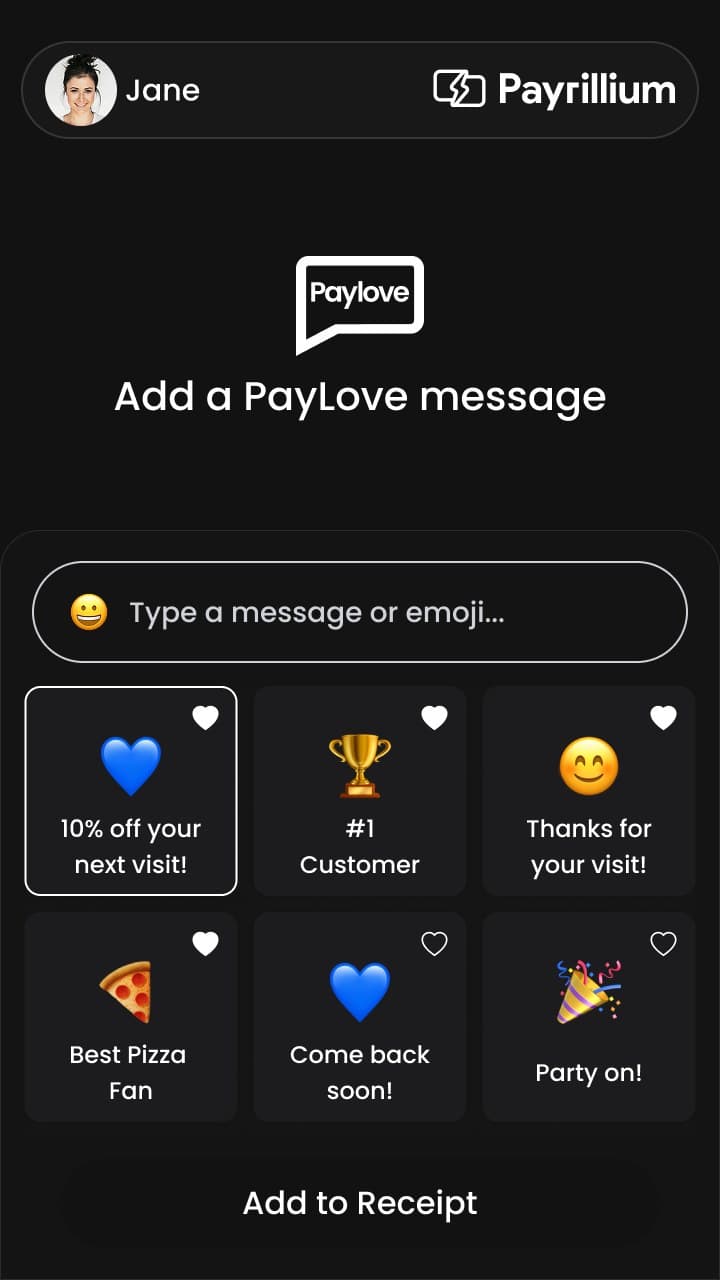
PayLove
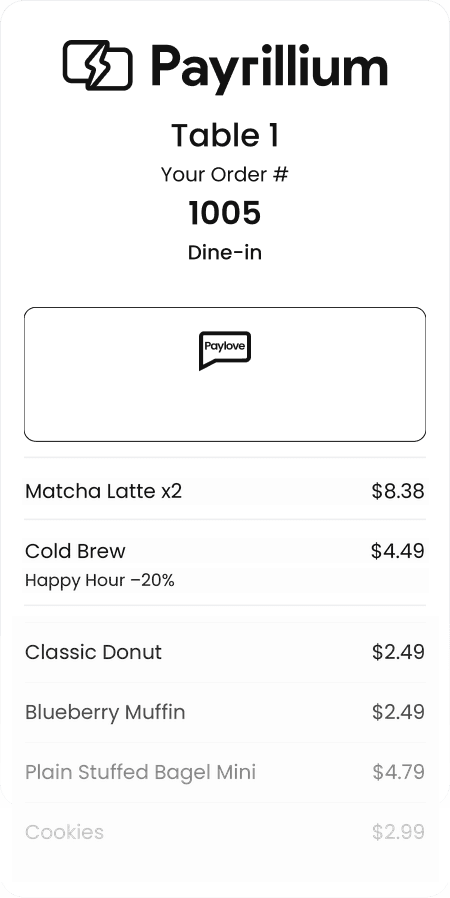
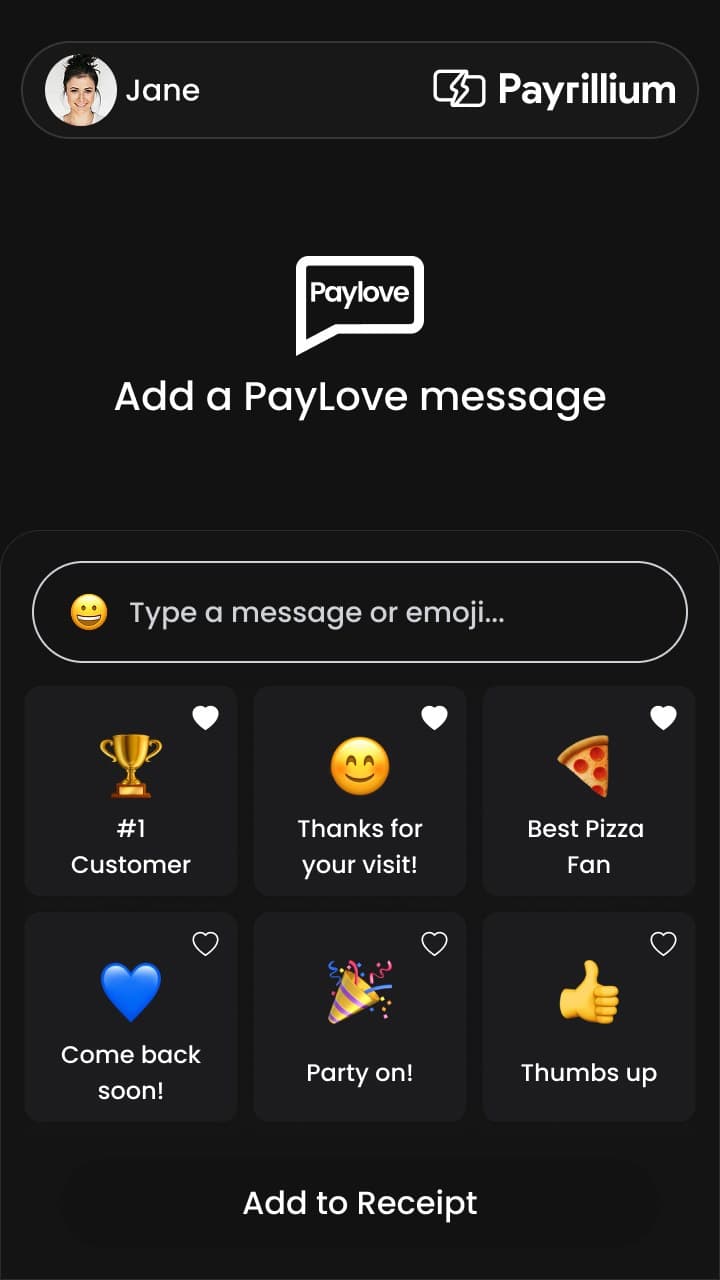
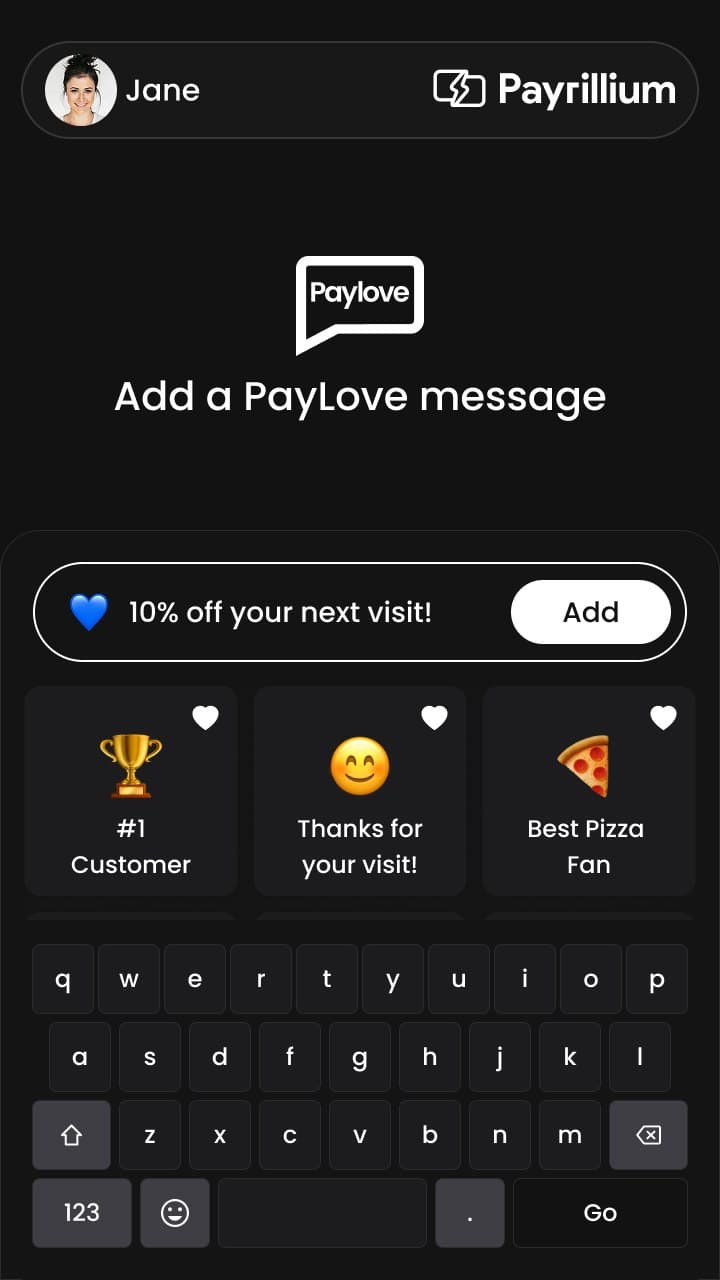
A preset, an emoji, or a line typed at the counter. Printed with the payment. The last thing they are handed is an invitation, not a total.
Configuration
Every button and flow is set in Mirillium, not on the device. One terminal or the whole estate. Never at the counter.
See Mirillium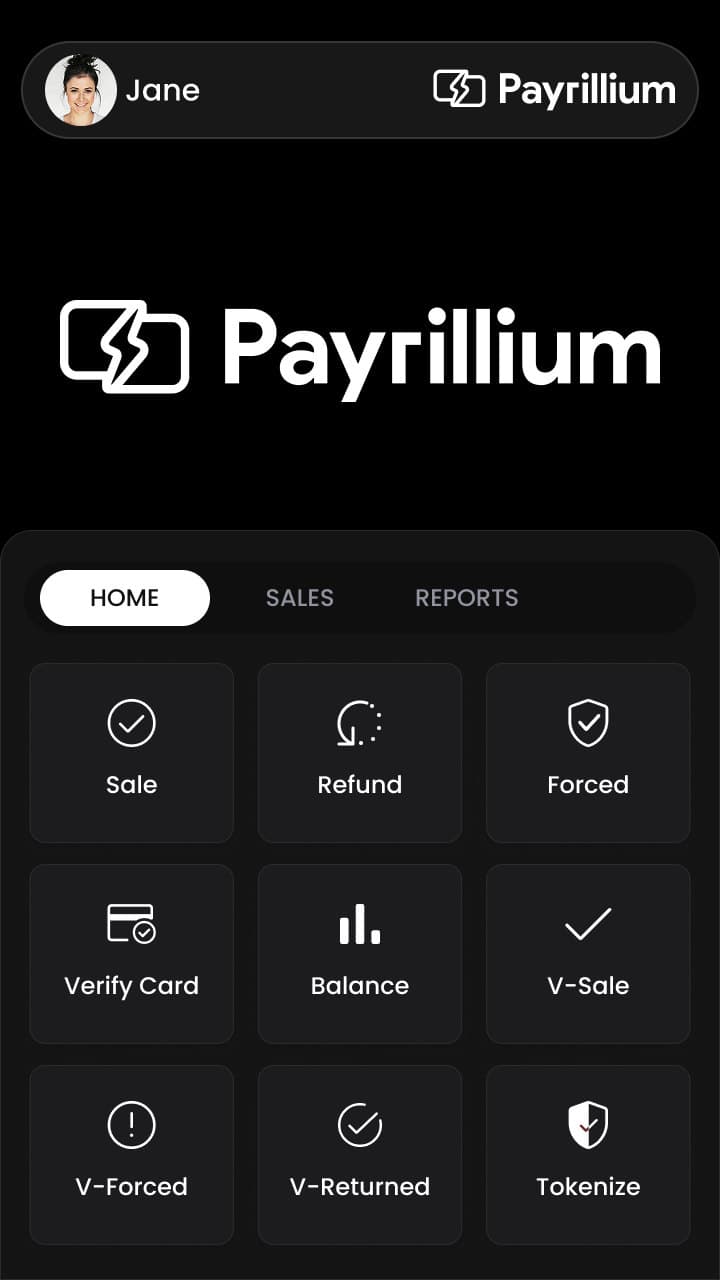
Multi‑merchant
Each merchant keeps its own profile, and the device moves between them at the counter rather than going back for re‑provisioning.
Transactions settle to the merchant that took them.
Logo, colours, receipt layout and on‑screen messaging, per merchant.
Totals and activity stay separated by merchant, not by device.
Every payment revolution so far changed how the card reaches the terminal. The agentic revolution changes how everything else reaches it.
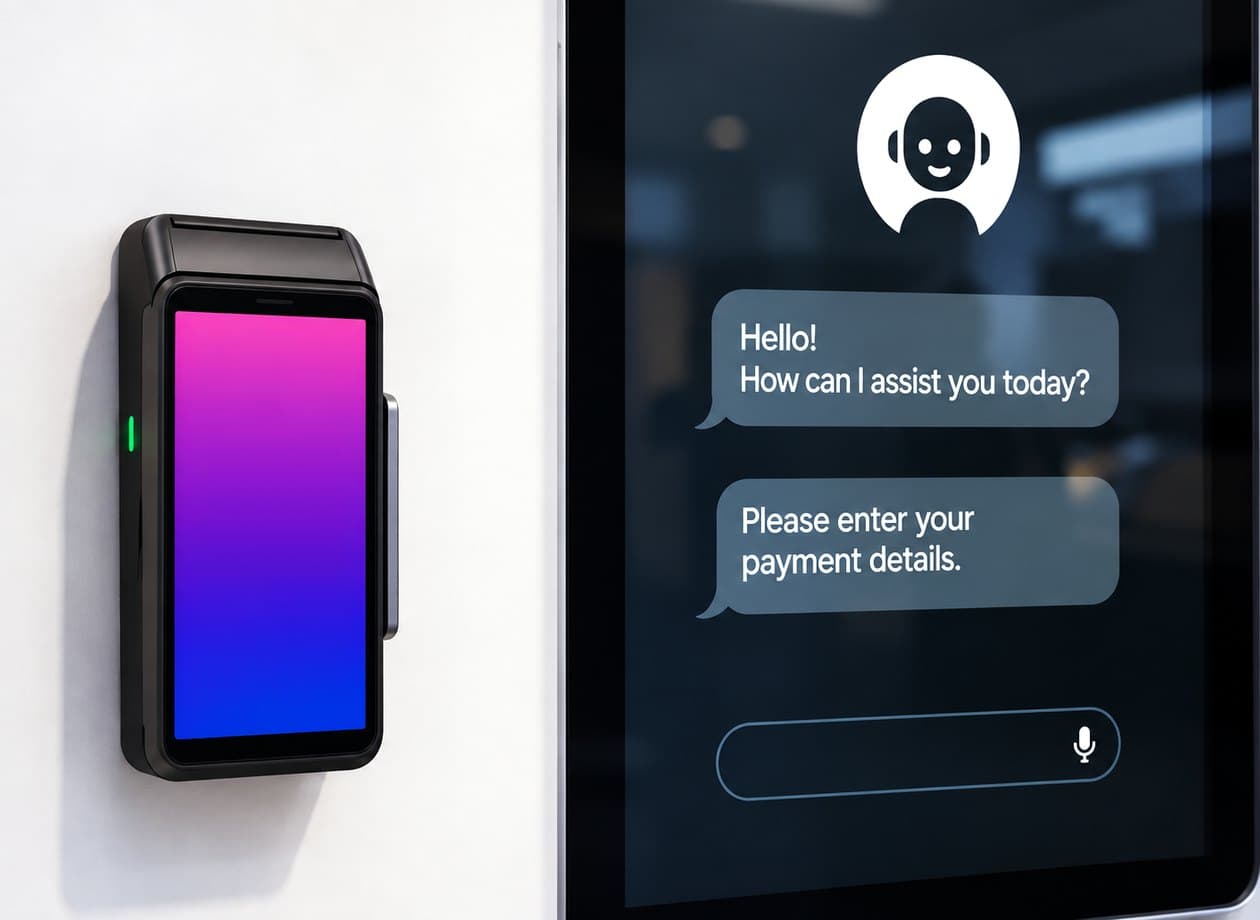
The first card‑present terminal that speaks MCP.
Just say
The standard
Model Context Protocol went from proposal to standard in under two years. A terminal that speaks it is reachable by tools that already exist. No SDK to adopt.
Monthly MCP SDK downloads by March 2026.1
Of the Fortune 500 with MCP already deployed.1
Public MCP servers live by early 2026, with 41% of software organisations in production.2
Of API gateway vendors expected to add MCP during 2026.3
These are the market’s numbers, not Payrillium’s. 1 - Digital Applied / Nevermined, MCP Adoption Statistics 2026. 2 - Stacklok, State of MCP in Financial Services 2026. 3 - CData vendor survey. Visa Intelligent Commerce and Mastercard Agent Pay are both published agent‑payment frameworks; neither covers the card‑present counter, which is the gap Atom is built for.
Loyalty
The receipt, working harder.
Turns every payment into a reason to come back.
Checkout
Even the confetti is a setting.
Switched on or off in Mirillium, like every other button on this screen. Never on the terminal.
When a card fails
It doesn’t say DECLINED.
No red, no capitals, nothing for the queue behind them to read. Just a way forward.
Customization
Your color. Your logo.
Every Atom arrives in your brand, Any screen color. Your logo, front and center.